
How To Check Someone’s Steam Trade History
Steam trading is a core part of the gaming platform’s experience, which allows users to exchange their in-game items across different games such as Team Fortress 2, Counter-Strike 2, Dota 2, and more.
With so much trading activity happening around the world every day, access to users’ trade history is essential – whether protecting from scammers or verifying the origins of an item, it allows users to keep track of their inventory items.
In this guide, we’ll walk through every key aspect that a user requires to know about the Steam Trade History, including why it matters, how to access your own history, and how to check others’ trade history.
Why is trade history so important?
Trade History is one of the most important things a Steam user should know about, and there are several reasons for that.
One of the big key reasons is fraud and scam prevention. If a scammer got into your account and traded all your items to his account, you can easily detect it. Because most accounts are publicly visible, sites like SteamRep reveal suspicious trade patterns and help people to prevent unseen fraud attempts.
Another key aspect of Trade History is the item value verification. Trade history helps people confirm if the items they got are legitimate. They can also check how many past owners an item had and if the item was duplicated or not.
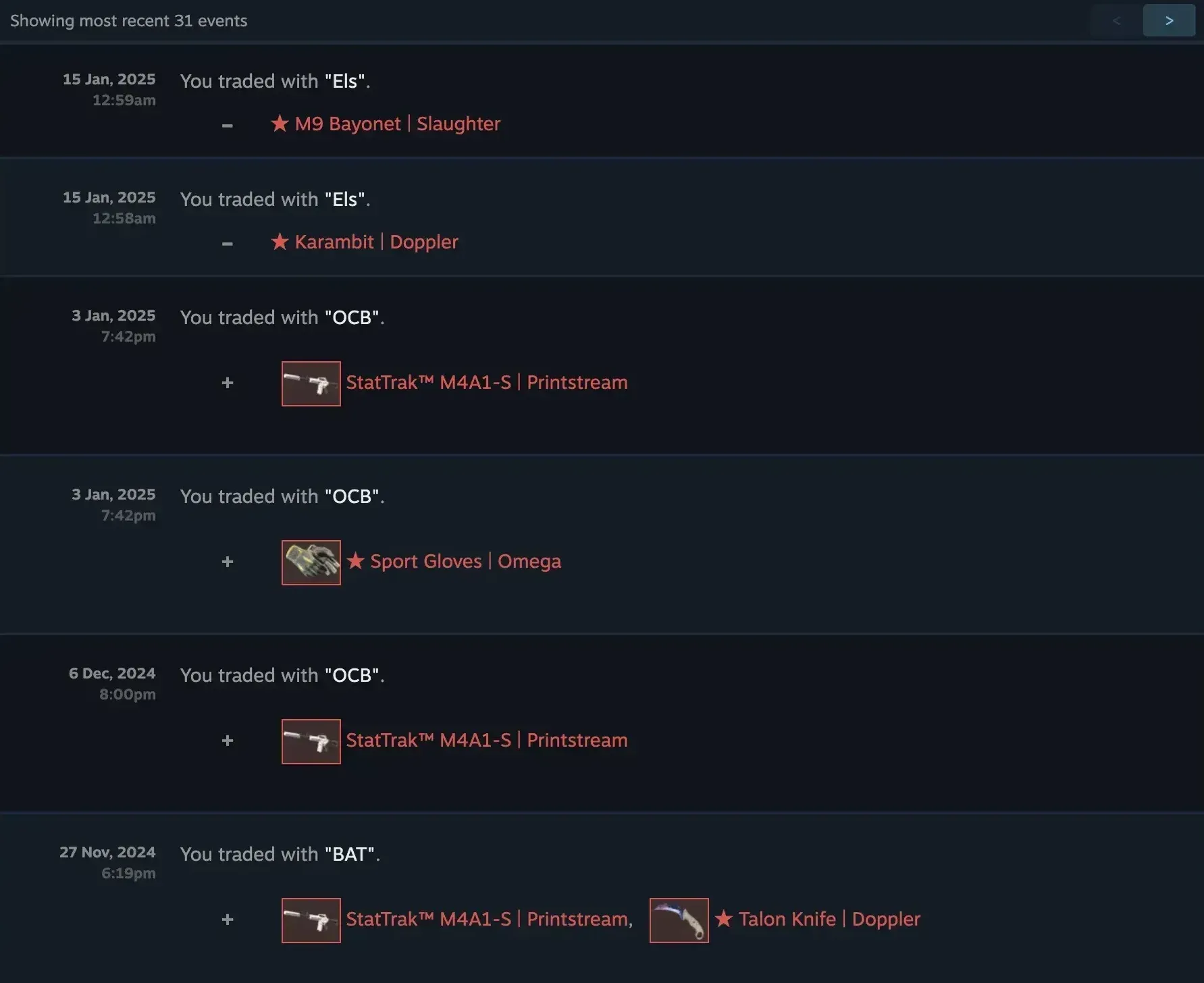
Sometimes trades can go wrong, and trade history helps people to look at their sent and received trades. It can be submitted as evidence to the Steam Support.
Reviewing your own history lets you spot unauthorized trades, which can indicate whether your account was hacked or not.
Besides that, if you are a trader and want to show that you are a trusted person, Steam Trade History can help you with it. Most of the traders don't deal with traders who have no trade history or have a very new account. Thus, having a trade history gives you a badge of a trusted person.
How to Access Your Own Trade History
One of the methods to access your Trade History requires you to:
- Log in to your Steam account and navigate to your profile.
- Click on the “Inventory” button and look for “Trade Offers” in the upper right part.
- On the Trade Offers page, you will find the “Trade History” button.
- After you click it, you will see the log of all completed trades, with dates and items traded.
Moreover, you can directly access it using this URL:
https://steamcommunity.com/my/tradehistory/
Right-Hand Corner Navigation
The right-hand corner navigation plays an important role in helping users to look at their trading history on Steam. If you want to access it, then:
- Open your Steam app.
- Navigate to “Inventory”.
- After that, go to “More” in the top-right corner.
- Now you can click on the “View Inventory History” to access your trade history.
Now, after you master these steps, you can navigate your Steam Trade History more effectively, which enables you to:
Track Inventory for Any Changes: Simply monitor your inventory to understand if you lost any items through trading.
Review Your Trade Activity: Steam offers a detailed overview of your trading history, as well as the items bought and sold, or past trades.
Make Use of Other Steam Features: The right-hand corner navigation works as a hub that allows you to use other Steam features.
How to Check Someone Else’s Trade History
Checking someone else’s Steam trade history is not an easy thing to do on your own. It is so because there are a few methods that allow you to spy on another user’s trade activities; however, there are some limitations.
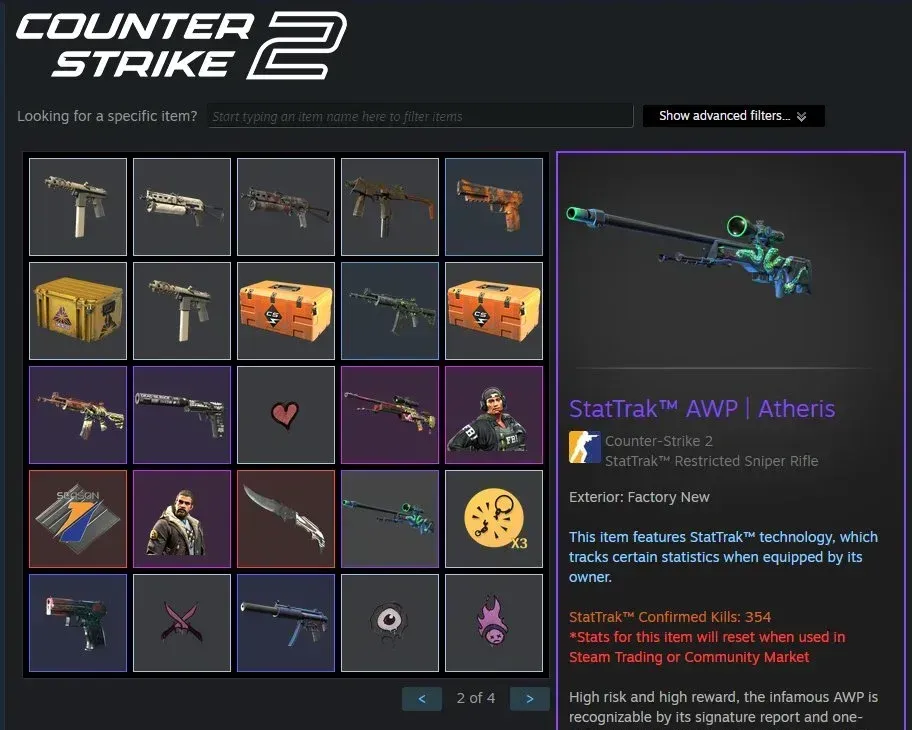
Now, let’s discuss some approaches that help you view others' trade history.
Using Steam
If the user has enabled their profile to be public, it allows you to access the user’s inventory. You can look at the Inventory to understand if the player got new items or not. Moreover, sometimes you can also view limited information about the user’s trade history.
Using Third-Party Tools
The other approach of checking one’s trade history involves the use of third-party websites, which are basically designed to access and view the Steam trade history of other users.
Websites like csgo.exchange offer you services that help you look at the trade histories of Steam users.
Another method of viewing history is about an item’s history. The Csfloat, for example, allows you to view the item’s owner history. Besides owner history information, it shows if the item was dupped, is on an account that is Vac Banned, when it was created, and how.