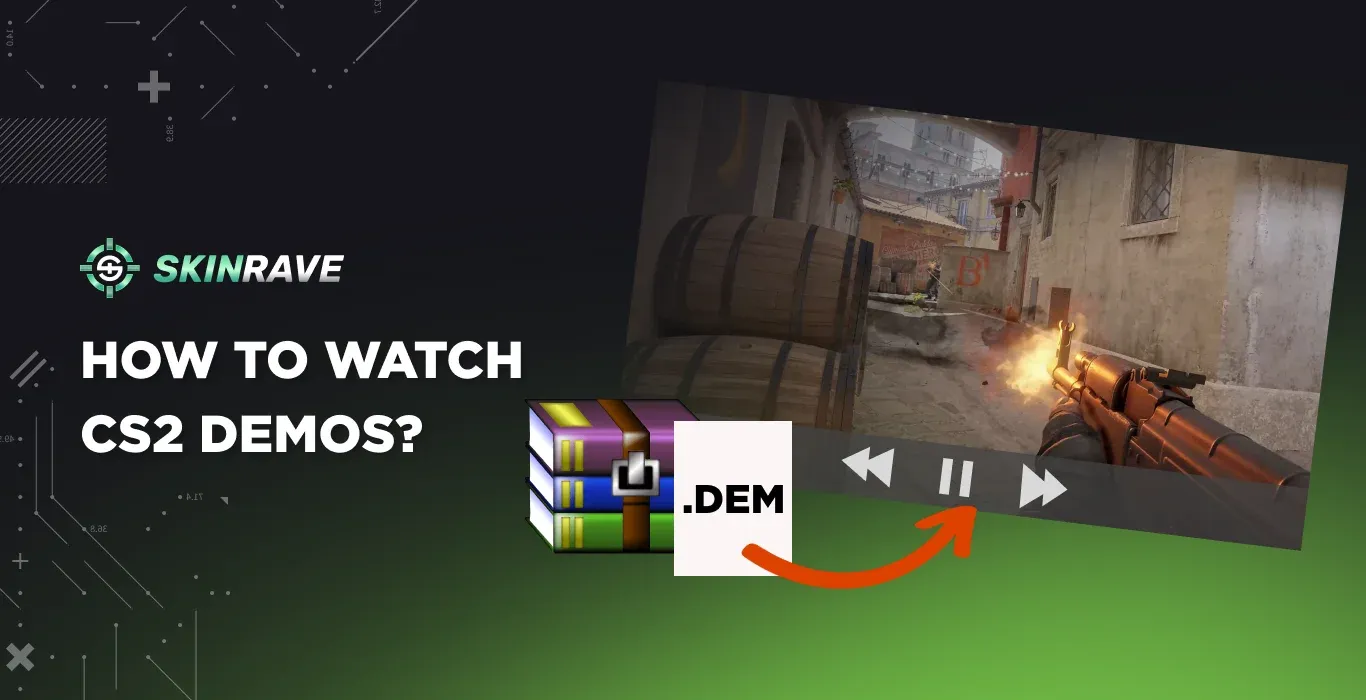

How to Watch CS2 Demos: Full Guide 2026
Watching demos in CS:GO was a pain. Laggy, buggy, and frustrating to use. CS2 changed that. The new demo viewer is faster, better optimized, and actually works the way it should.
And it's worth using too, as reviewing your matches is one of the best ways to improve your gameplay:
- Spot your own mistakes – Catch positioning errors, missed info, and bad decisions you'd never notice mid-game.
- Learn from the pros – Study how they hold angles, use utility, and make mid-round calls.
Every pro watches demos religiously, both their own and their opponents'. Pro teams even have dedicated analysts who break down matches, identify mistakes, and scout opponents to develop counter-strategies. It's not unique to CS either. Athletes in every sport review footage to improve.
In this guide, we'll cover everything you need to know: how to watch and download demos in cs2 (and what to do when Valve's system fails), how to control playback, and where to find pro player demos to study if you want to get better at the game.
Types of Demo Recordings
In CS2, there are actually two types of demos:
- Full Demo is a recording of a CS2 match that lets you use the built-in CS2 demo with the control tools to spectate anyone, anywhere, and anytime. In this article, we will talk mainly about this type of demo match recording.
- POV Demos, which are recordings of a specific player. You are watching from his pov and you are not able to switch the camera to other players. Good option if you want to learn the style of a certain player.
How to Watch a Demo of Your Match in CS2
Now that we've covered why demos matter, let's get into how to actually download and watch them.
Method 1: In-Game Download
The easiest way. Go to the Your Matches section, find the match you want, and hit Download. Once it's done, you can watch it directly.
For FACEIT matches, the demo is available for download right after the game ends—just grab it from the match page.
Method 2: External Trackers (Best for Match History)
Since Valve's built-in options can be unreliable, many players now use third-party platforms that automatically save demos:
- Leetify or Scope.gg – These save your full match history. Even if the in-game download expires, you can grab the demo from their site as long as your account was connected.
- CS Demo Manager – The go-to tool in 2025. Install it, log in, and it pulls your matches directly from Steam's API, giving you working download links even when Steam's interface fails.
All three have free tiers that work for demo downloads. Leetify and Scope.gg offer paid tiers for extra analytics, but for just grabbing demos, the free versions work fine.
Method 3: Steam Personal Game Data (Legacy)
This used to be the main method, but it's inconsistent now. Still, it can work for some older matches, but keep in mind you might run into errors like "Download Incomplete," missing download buttons, or "Expired" messages even on recent games.
- Log into Steam through your browser
- Click your name → Games → My Game Stats
- Select Personal Game Data
- Find the Premier Matches or Competitive Matches tab
- Click Download GOTV Replay under the match you want
If the button doesn't work, right-click it, copy the link address, and paste it directly into your browser.
Now after you downloaded a demo manually, move it to your CS2 folder: right-click CS2 in your Steam Library → Manage → Browse Local Files → open the game folder → then csgo, and drop your file there.
Make sure to rename your demos (for example like: "mirage_comeback_jan15") so you can actually find them later more easily.
How Long Do Demos Stay Available?
Once a demo is on your PC, it won't expire. but major game updates can sometimes make old demos unplayable.
Control tools for Watching Demos
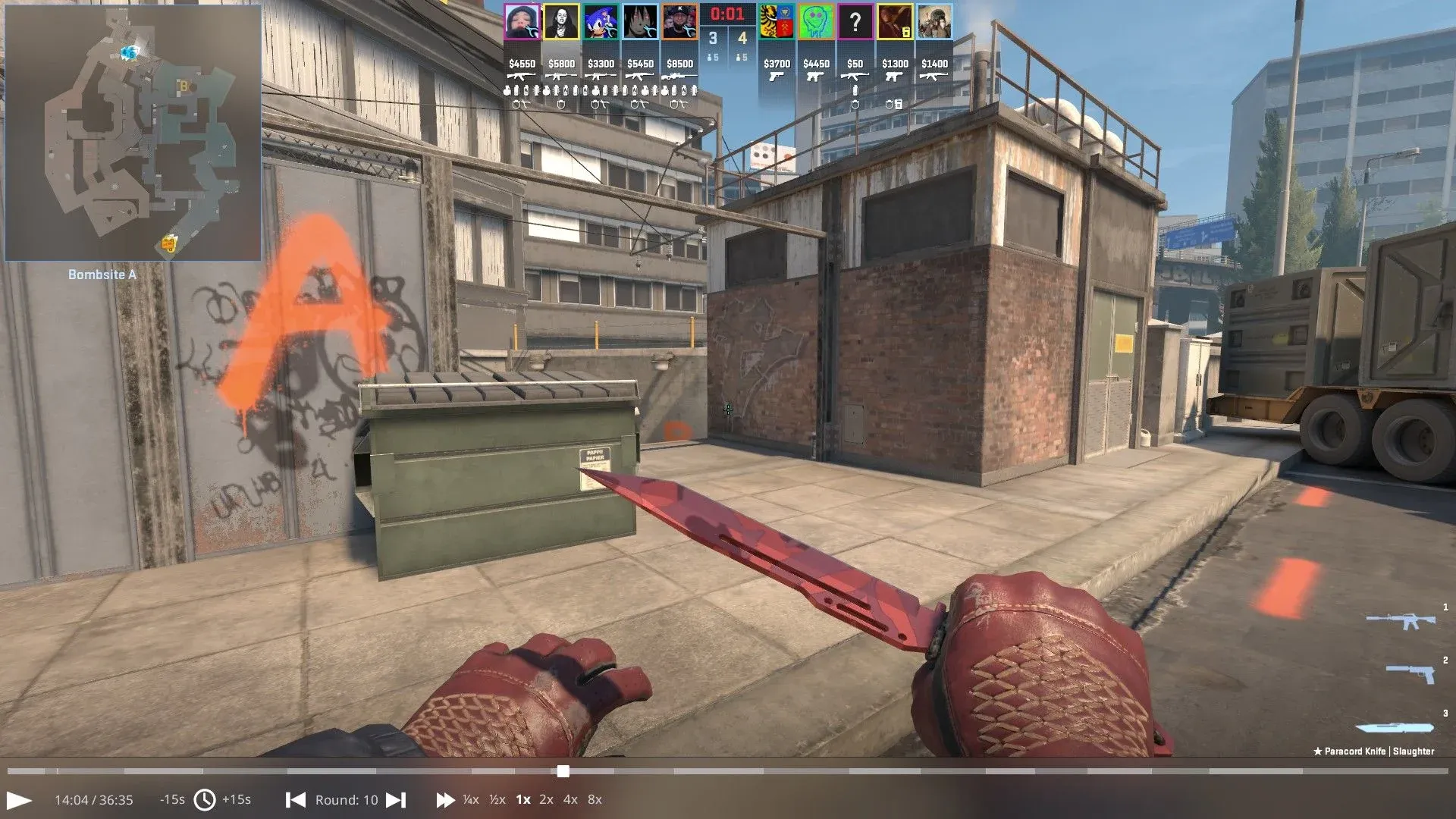
After you download your demo, press SHIFT+F2 to bring up the DemoUI. Here's what each control does:
- Basic Scroll – Drag the timeline to jump to any moment in the demo.
- Start/Pause – Play or pause the demo playback.
- Back and Forward 15 Seconds – Skip 15 seconds backward or forward quickly.
- Next/Previous Round – Jump directly to the next or previous round.
- Speed Control 0.25x / 0.5x / 1x / 2x / 4x / 8x – Change playback speed (slow motion to fast-forward).
If you prefer using the developer console, you can use the following commands:
- demo_pause — to pause the demo.
- demo_resume — to resume the demo.
- demo_timescale 0.5 — play the demo half speed (0.25-4).
- demo_gototick 12345 — to jump to a specific tick time.
- demoui — to open the DemoUI panel, similar to SHIFT+F2.
Recording Demos
To start recording your demo, you will need to open the developer console and write record_(demo_name) to begin recording your demo.
To stop and save recording your demo, just type stop in the same developer console.
Where to Find Pro Player Demos?
To watch how pros play, head to hltv.org, it covers all major tournaments and has demos for pretty much every match.
For recent games, go to the Results tab where you'll see finished matches in chronological order. For older games, check the Events tab → Archive, where you can filter by event type (Major, International LAN, Regional LAN, Online and so on).
Once you find the match you want, click on it and look for Rewatch in the middle of the page. You'll have two options: Demo to download the file, or Twitch to watch the broadcast VOD.
If you want to analyze player POVs and movements, grab the demo. If you just want to rewatch the match with commentary, Twitch works fine.
FAQ
Where are my demos saved?
By default, CS2 saves demos in: C:\Program Files (x86)\Steam\steamapps\common\Counter-Strike Global Offensive\game\csgo. If you downloaded a demo manually, you need to move it to this folder to watch it.
Why does my demo say "Expired"?
Valve only keeps demos for 7–14 days. After that, the download link dies. To avoid this, download your demos right after the match or use external tools that save them automatically.
Can I watch old CS:GO demos in CS2?
No. CS:GO demos are incompatible with CS2. If you have old CS:GO demos you want to watch, you'd need to install the legacy version of CS:GO (if still available) or use a third-party parser.
Why is my demo stuck on a black screen or warmup?
This happens sometimes with the CS2 client. Try jumping to the previous round in the viewer, and it will most likely fix the issue