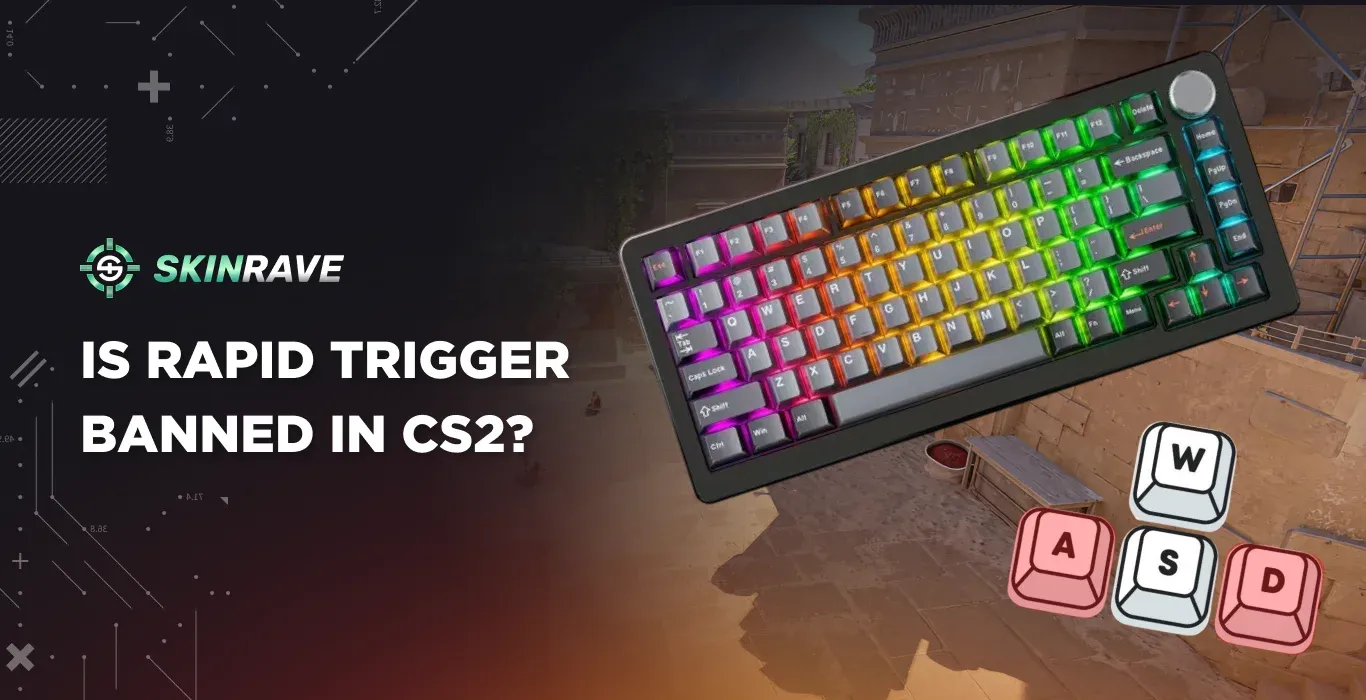

Is Rapid Trigger Banned in CS2?
Pro players are constantly looking for hardware features that can give them an advantage and improve their movement or reaction time.
In 2026, one of the most significant features a competitive gaming keyboard can have is Rapid Trigger, which is used in many high-end gaming keyboards. However, a big question still remains unclear among CS2 players: Is Rapid Trigger banned in CS2?
In this article, we are going to discuss what Rapid Trigger does, how it affects competitive gameplay in CS2, and Valve’s stance on smart keyboard features.
What is Rapid Trigger
Standard mechanical keyboards work on a fixed actuation point system. Every key has two points: One where the press registers, and one where the release registers.
Until your key physically travels back past that reset point, the game thinks you're still holding it down. It doesn't matter how fast you move your finger.
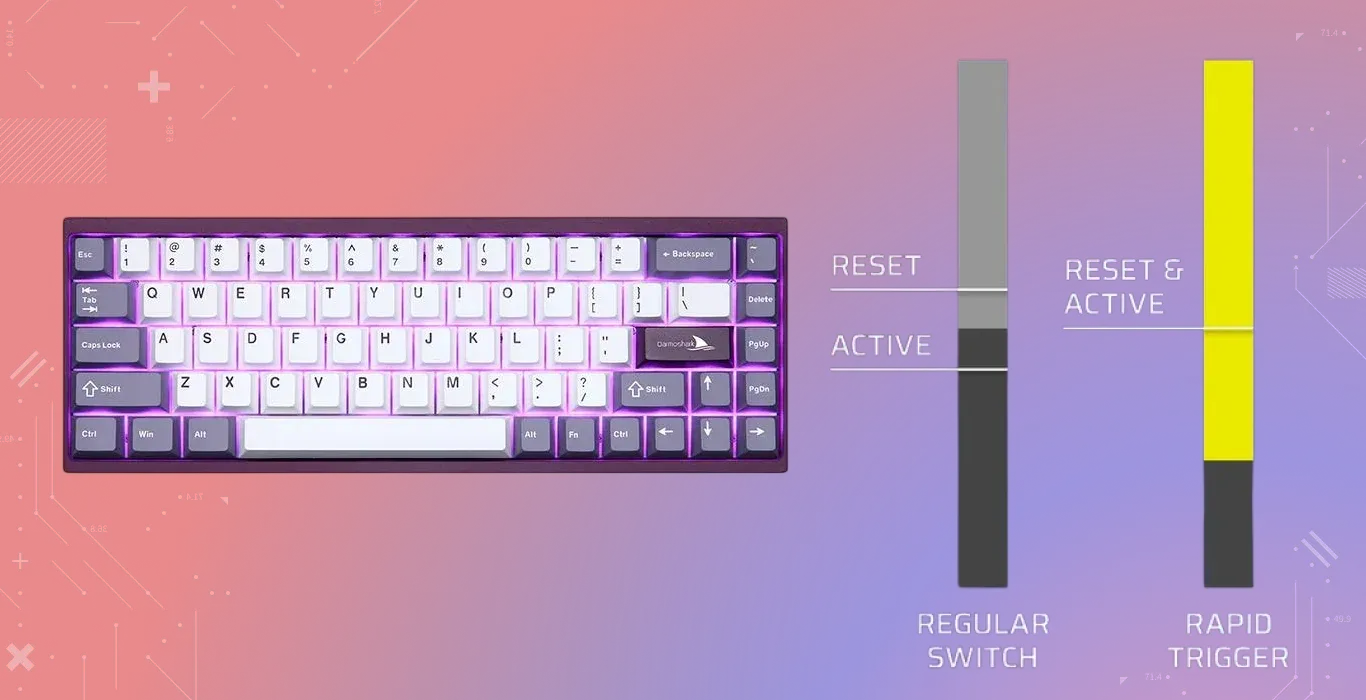
A Rapid Trigger keyboard removes that fixed reset point entirely. Instead of waiting for the key to travel back to a set position, it registers the release the moment you start lifting your finger, even if it's just a fraction of a millimeter.
The key reacts in real time to your actual movement, not a predetermined threshold. It is commonly found in Hall-effect keyboards such as Razor, Wooting, or SteelSeries.
In simple terms:
- Mechanical keyboards require the key to be pressed back above the reset point to activate again.
- Rapid Trigger keyboards remove that limitation, allowing you to reactivate the button instantly.
This results in:
- Faster movement adjustment
- More responsive strafing
- Greater precision in counter-strafing
For most tasks, like typing, browsing, or everyday use, you'd never notice the difference. But in CS2, where counter-strafing comes down to milliseconds, that tiny gap between "finger moving up" and "game registering release" is exactly where Rapid Trigger earns its reputation.
Rapid Trigger Role in CS2
Movement precision is the most critical aspect of CS2, and all because of the counter-strafing mechanics, which allow players to instantly stop and shoot more accurately.
How does Rapid Trigger help players?
1. Counter-Strafe Faster
Players can use “A” and “D” keys with a minimal delay, which improves the accuracy of timings.
2. Perform Micro-Adjustments
The short key resets help players make small movement corrections.
3. Maintain Tighter Movement Control
It is especially useful for different perking and baiting.
Due to these benefits, many pro and skilled players prefer to use Rapid Trigger keyboards. It doesn't mean that the movement is automated; players still perform each action manually.
Valve’s Viewpoint on Keyboard Features in Competitive Environment
With the release of Rapid Trigger in 2019, many players thought that Valve would ban the feature due to its insane efficiency. Everyone wondered: Is rapid trigger allowed in CS2? But in fact, Valve did not ban Rapid Trigger in Counter-Strike 2. From Valve’s perspective, the feature is considered a hardware characteristic similar to other gadgets, such as:
- Different Mouse Sensors
- Low-Latency Keyboards
- High-Refresh Monitors
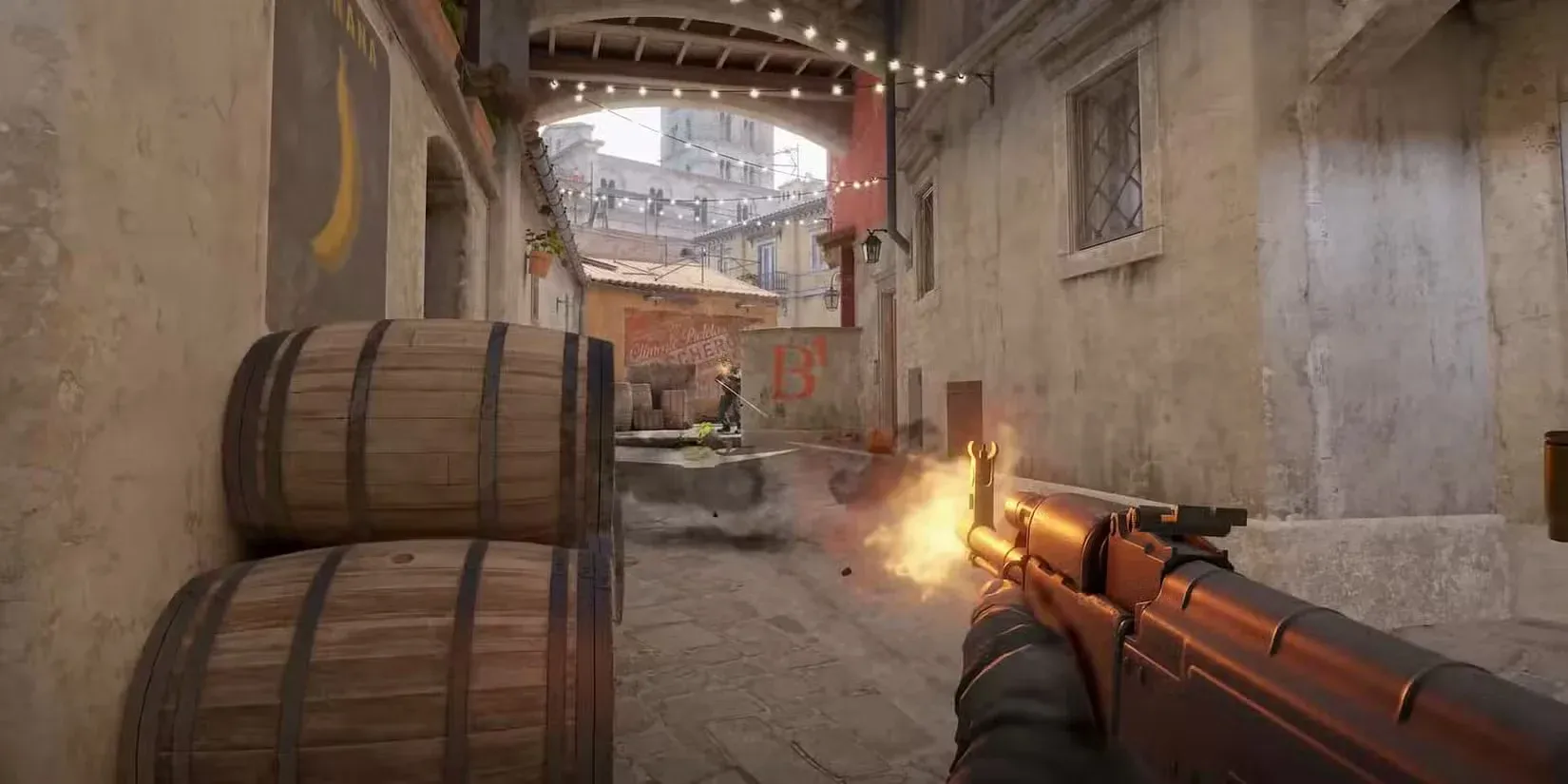
So, since the feature does not execute multiple actions automatically, it is accepted by Valve and falls within the acceptable competitive hardware advantages. Nevertheless, Valve is extremely strict about scripting or automation as features that combine multiple inputs or macros can violate the fair-play regulations.
The distinction between the Allowed and Restricted features is here:
Rapid Trigger falls into the Hardware Improvement Category and is allowed to be used in competitive play.
Confusion Among Smart Keyboard Users
Nowadays, there is a huge confusion among players about whether the Rapid Trigger is being banned or not. All this comes from other keyboard technologies that violate the competitive integrity concerns. Some of the modern keyboard features that are restricted to use are:
- SOCD (Simultaneous Opposite Cardinal Direction) Cleaner: It is seen as cheating because it simulates a perfect movement without manual help.
- Snap Tap: Automates counter-strafe, which gives a huge advantage.
Both of these features are banned because they artificially manipulate the movement of a player. Some tournament organizers restrict such features, and because of it, regular players assume that Rapid Trigger by itself is also banned.
However, Rapid Trigger only changes the actuation point behavior of keys, not the gameplay logic. Rules of using features may differ in specific tournaments or LAN events.
Best Rapid Trigger Settings for CS2
While there's no universal answer as to what the best keyboard settings are for CS2, most players land somewhere between 0.2mm and 0.4mm for both actuation and reset distance.
If you go too low (0.1mm), you risk accidental inputs from finger tremor – the key becomes almost too sensitive to control. Go too high, and you lose most of the benefit over a standard keyboard.
Start at 0.2mm, play a few deathmatch sessions, and adjust from there based on how your movement feels. For the actuation point itself, 1.5mm to 2.0mm is the sweet spot for most players.
Best Rapid Trigger Keyboards for CS2
If you're looking to make the switch, these are the keyboards most CS2 players and pros actually use:
- Wooting 60HE / 60HE+ – the community favorite. Highly customizable Rapid Trigger settings, compact form factor, and the keyboard that put Hall-effect on the map for CS2 players.
- Razer Huntsman V3 Pro – what NiKo runs. Razer's HE entry with solid software and a more traditional feel for players coming from standard mechanicals.
- SteelSeries Apex Pro – one of the most popular options at LAN events. Adjustable actuation per key and reliable build quality.
- Corsair K70 PRO TKL – a solid Hall-effect option, just make sure FlashTap is disabled before queuing.
How to Disable Rapid Trigger
Turning Rapid Trigger off is a personal choice, which you can make through the keyboard software according to your preferences.
To do that, you need:
- Open your keyboard’s settings software.
- Select the keyboard profile.
- Locate the Rapid Trigger or Dynamic Reset option.
- Toggle the feature off.
- Now just save it.
Once you disable the feature, the keyboard will behave as a regular mechanical keyboard with the usual fixed reset point keys.