



magixx's CS2 Settings
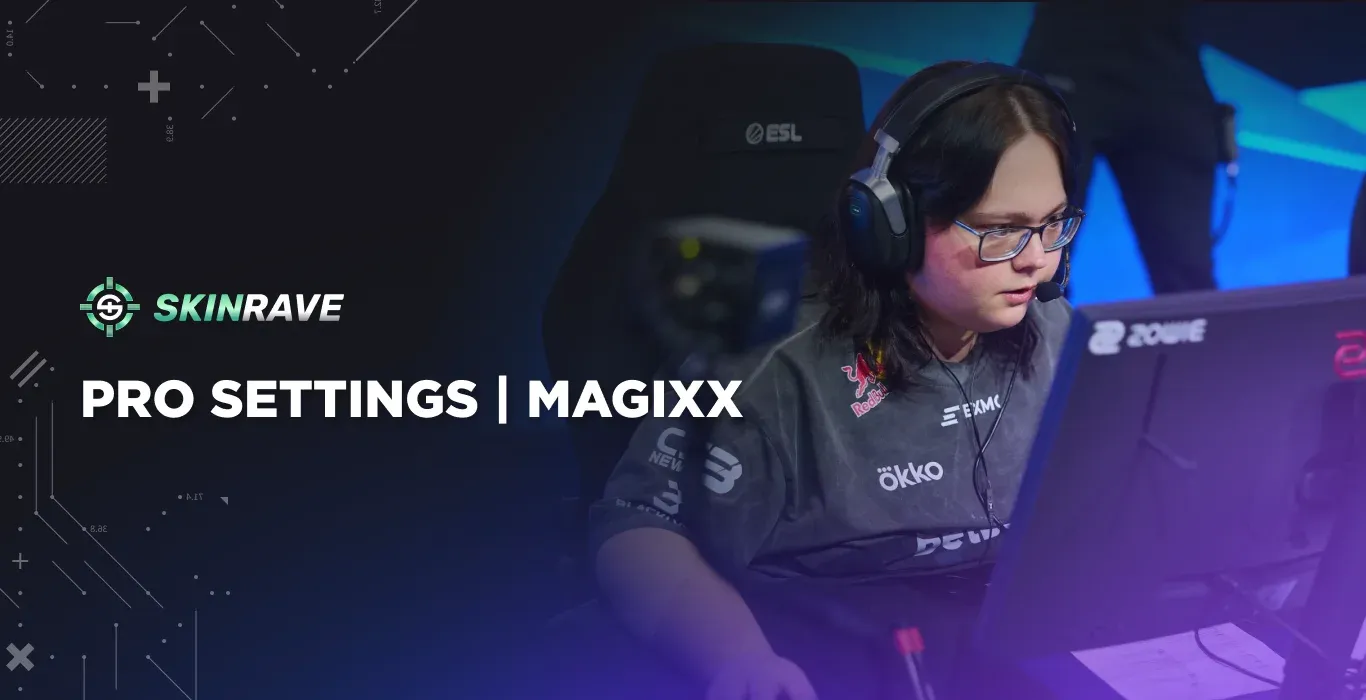
Many CS2 players frequently experiment with various settings to make their gameplay smoother and more professional. These changes don't always lead to crazy results overnight, but poor settings can ruin your gaming experience. This is exactly why you have to set up your game correctly, and who better to look to than magixx, Team Spirit's rifler and Major champion.
Now let's take a closer look at his setup, which includes both devices that he uses while playing, his mouse settings, bind configuration, crosshair, radar, and video settings.
Who is magixx?

Boris "magixx" Vorobyev is a professional CS2 rifler from Russia, born on June 3, 2003. He started his professional career playing with ESPADA, but then managed to make his way into what is arguably one of the most successful teams in CS esports. He joined Team Spirit back in 2019 and has been an integral part of their roster ever since. magixx's gameplay style is very calm and precise. He may not be the most impressive rifler in terms of flashy tricks, but he is certainly one of the most consistent players out there.
One of magixx's biggest achievements is undoubtedly his contribution to Team Spirit's success at the Perfect World Shanghai Major held in 2024. Winning a Major title is a dream of any CS2 player, and magixx played a crucial role in helping his team achieve just that.
magixx's Hardware and Equipment
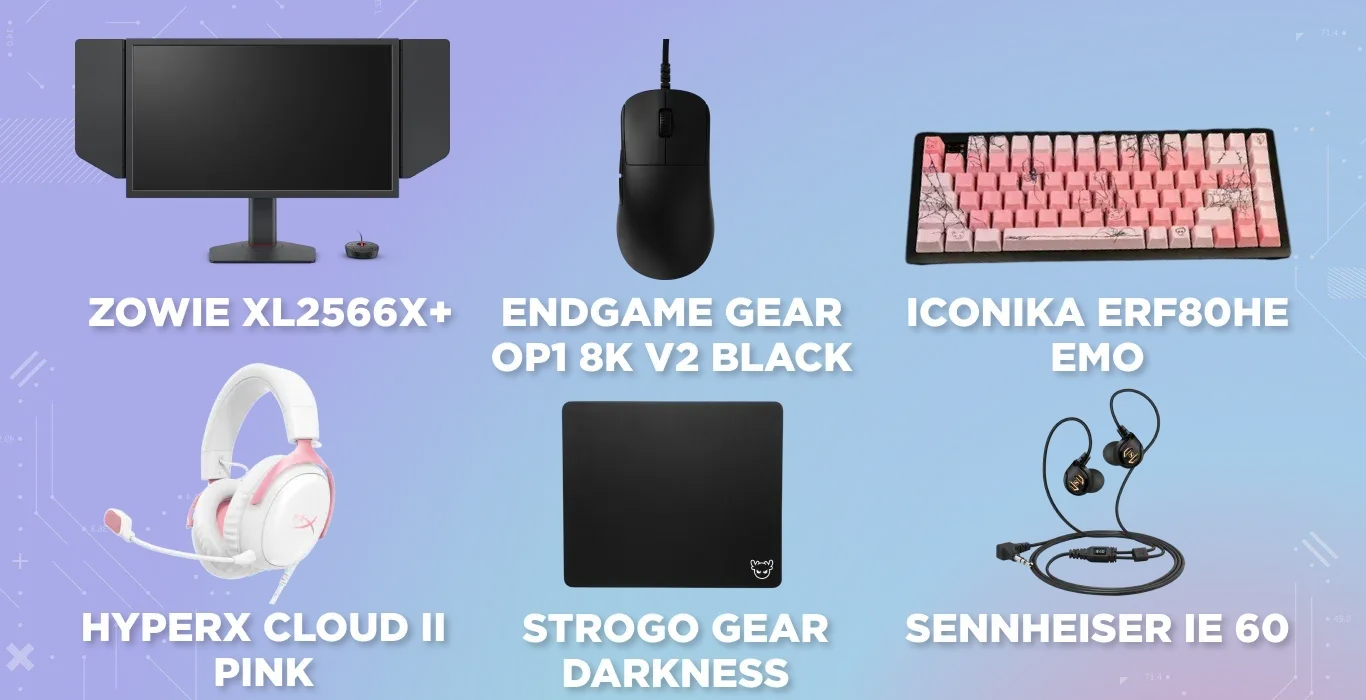
magixx plays CS2 at the highest level, and his hardware setup is top-notch. He uses a ZOWIE XL2566X+ monitor that keeps the game buttery smooth at 400Hz. For aiming, he relies on the Endgame Gear OP1 8k V2 Black - a wired ergonomic mouse with a precise sensor trusted by many top pros.
- Monitor - ZOWIE XL2566X+
- Mouse - Endgame Gear OP1 8k V2 Black
- Keyboard - ICONIKA ERF80HE EMO
- Headset - HyperX Cloud II Pink
- Mousepad - StRoGo Gear Darkness
- Earphones - Sennheiser IE 60
For audio, he combines the HyperX Cloud II Pink with Sennheiser IE 60 earphones, making sure he never misses a footstep or utility cue. Add a StRoGo Gear Darkness mousepad and a powerhouse AMD Ryzen 7 9800X3D + RTX 5080 PC, and you've got a setup built entirely around peak competitive performance.
In Game Settings
Game settings change how you play CS2 just as much as having good equipment. Things like how you set up your crosshair, what resolution you use, how sensitive your mouse is, and how your gun looks on screen can all help you aim better, notice things faster, and feel more comfortable playing. Getting these right, as magixx has, can make a real difference.
Mouse Settings
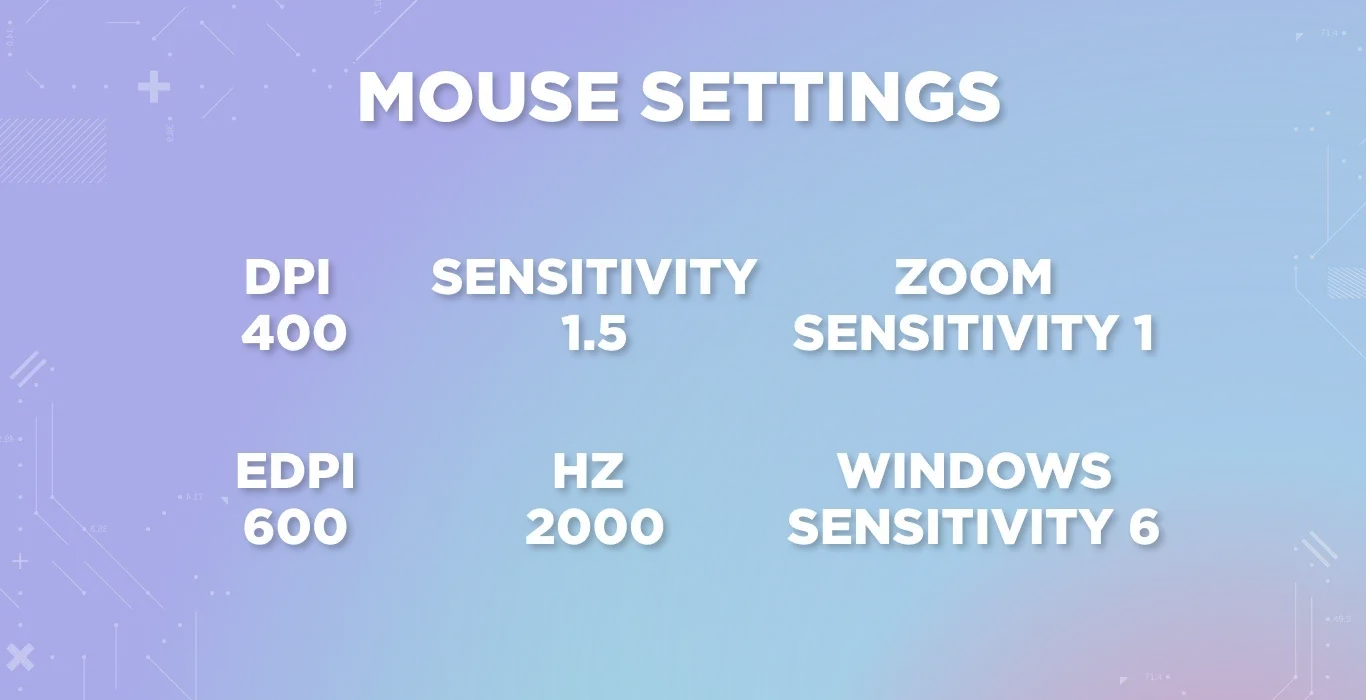
- DPI 400
- eDPI 600
- Sensitivity 1.5
- Hz 2000
- Zoom Sensitivity 1
- Windows Sensitivity 6
Crosshair
- Crosshair Code - CSGO-VZe2U-GOBch-HYtXY-U8SVe-eVKrL
The magixx's crosshair is very clear and compact, and is designed to be precise. He uses the Classic Static style with a Length and Thickness of 1 and a Gap of -4. This results in a small crosshair that appears right in the middle of the screen and helps to land the headshot effectively. The color chosen by magixx is cyan, which shows clearly even when there is no color behind it on any surface on CS2.
Viewmodel
Here's how magixx's viewmodel settings are configured:
- FOV: 68 – Offers a balanced view of the game world without feeling too zoomed in or distorted.
- Offset X: 2.5 – Shifts the weapon slightly to the right, improving visibility on the left side.
- Offset Y: 0 – Keeps the weapon centered vertically for a neutral view.
- Offset Z: -1.5 – Pulls the weapon closer to the screen, reducing visual clutter.
- Presetpos: 2 – A slightly adjusted preset that keeps the weapon low and out of the way during engagements.
Video Settings
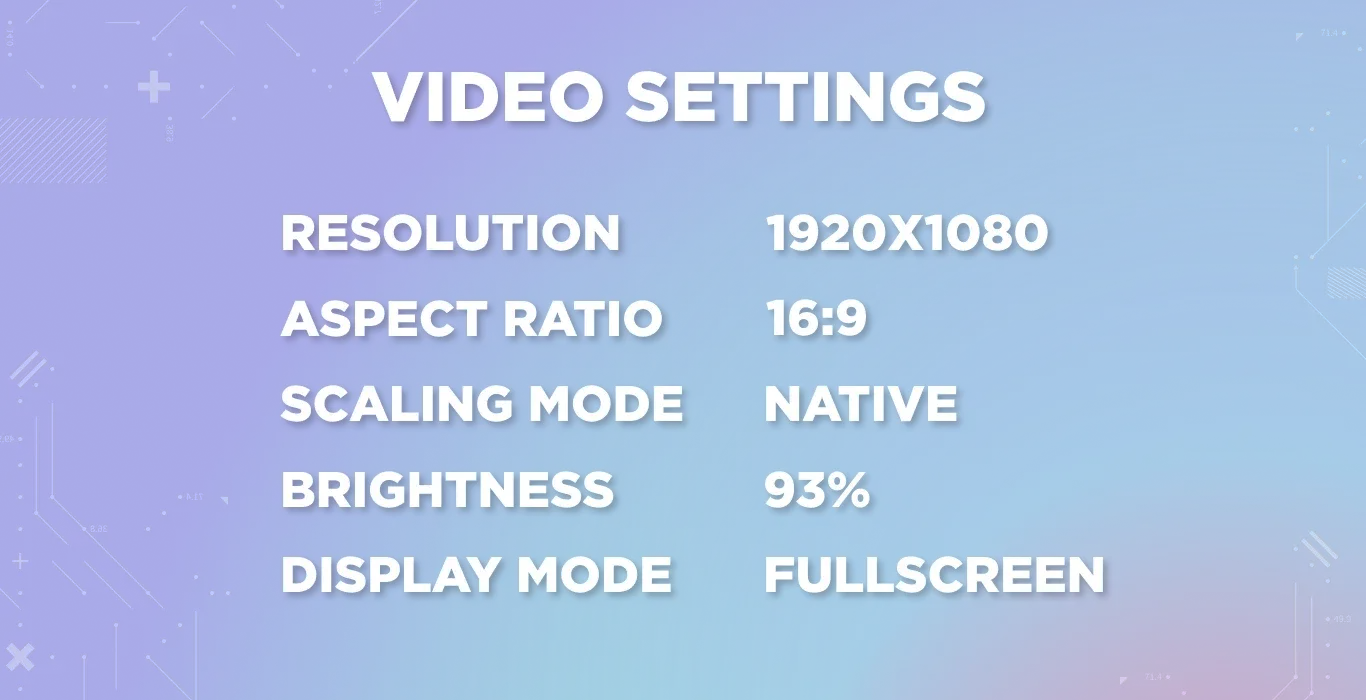
Playing with the native scaling mode of a 1920x1080 resolution and a 16:9 aspect ratio helps magixx see a wider picture. He sets his screen brightness to 93% to spot enemies in all lighting conditions and always plays in full screen for maximum focus and performance.
Advanced Video
Radar
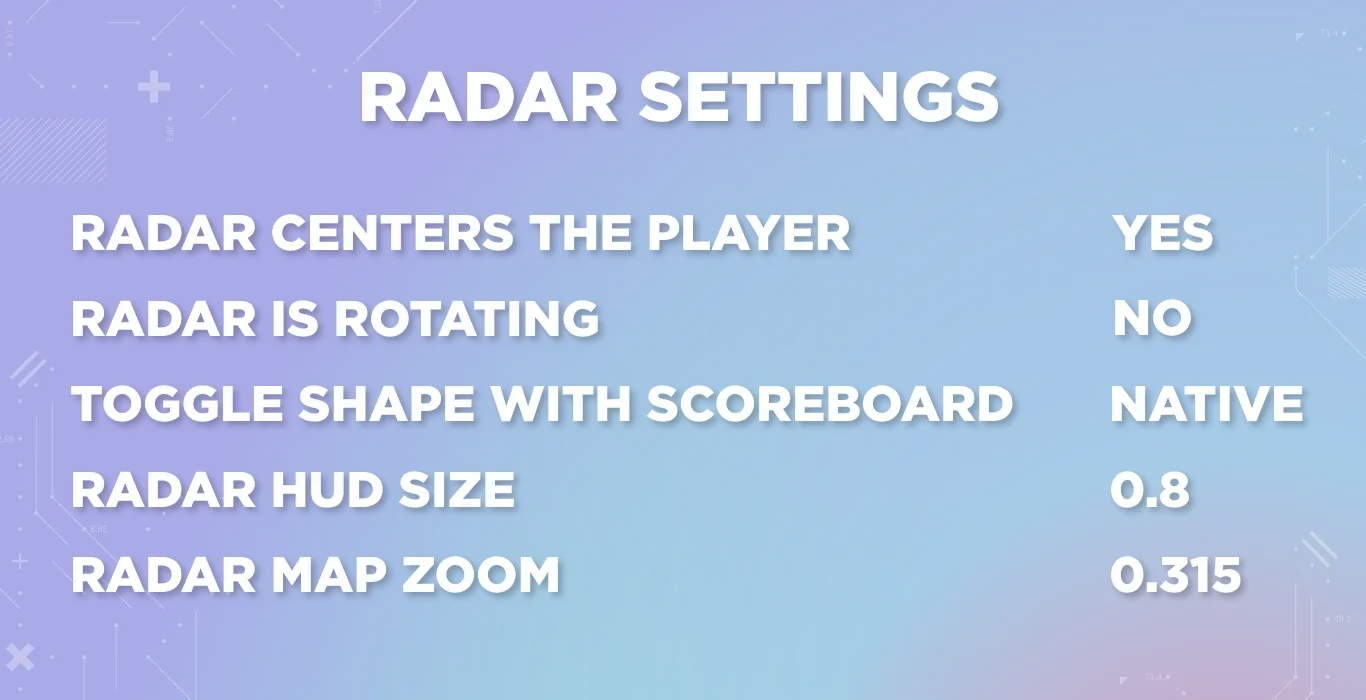
magixx sets up his radar so he always knows what's going on around him. The radar is centered on him and does not rotate, giving him a consistent north-oriented view of the map at all times. The radar also switches views when he checks the scoreboard, letting him keep track of positioning without cluttering the screen.
- Radar Centers The Player – Yes
- Radar is Rotating – No
- Toggle Shape With Scoreboard – Yes
- Radar Hud Size – 0.8
- Radar Map Zoom – 0.315
magixx's Loadout
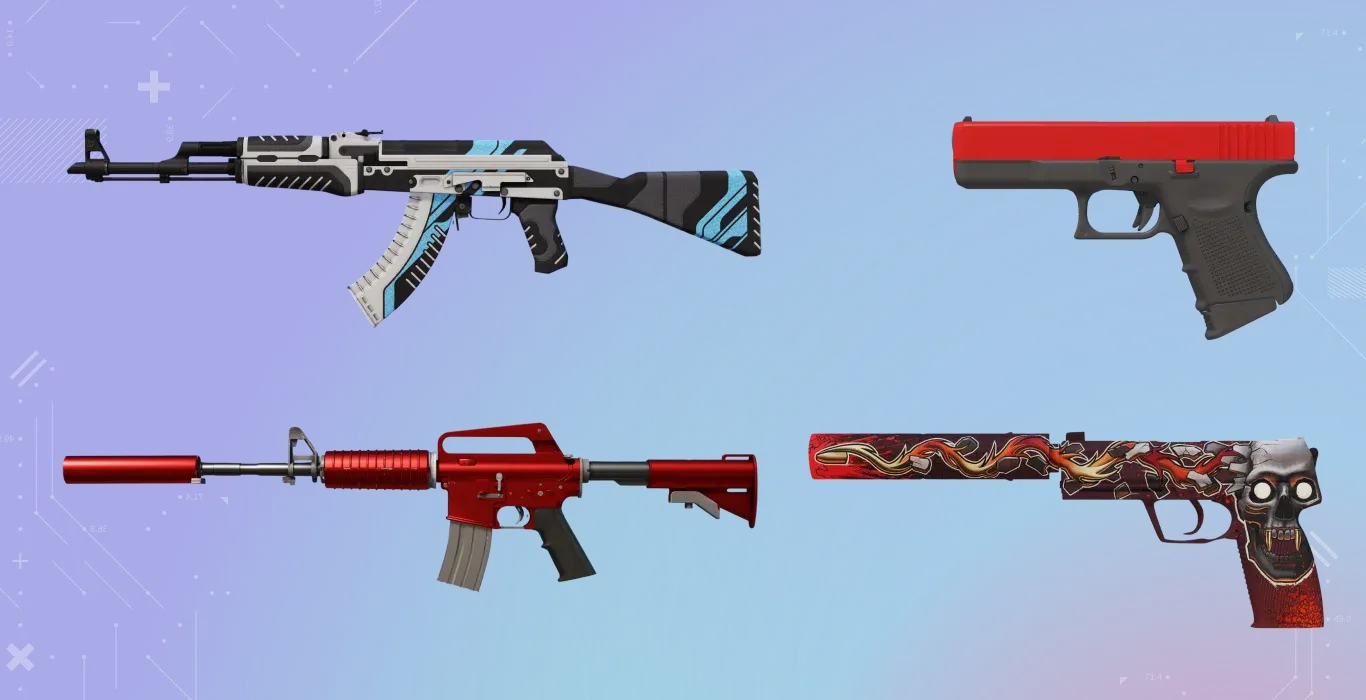
magixx's inventory is clean and classy, with every piece carefully chosen to match his composed and precise playstyle. Whether it's magixx's incredible head shot from a rifle or an ace on pistol round, his loadout makes him feel confident among others on server.
- StatTrak™ AK-47 | Vulcan
- M4A1-S | Hot Rod
- Glock-18 | Candy Apple
- USP-S | Kill Confirmed
FAQs
What is magixx's CS2 crosshair code?
magixx's CS2 crosshair code is:
CSGO-VZe2U-GOBch-HYtXY-U8SVe-eVKrL
He uses a compact cyan-colored Clasic Static crosshair with a length and thickness of 1 and a gap of -4, designed for precise aiming.
What are magixx's config settings for CS2?
Boris "magixx" Vorobyov uses a low-sensitivity setup and native 16:9 resolution in CS2. His CS2 config prioritizes controlled mouse movements, accurate crosshair placement, and a wider field of view, which helps him to maintain consistency across matches.
What monitor does magixx use to play CS2?
magixx uses the ZOWIE XL2566+, a 400Hz gaming monitor designed for competitive esports. During fast-paced CS2 matches, his monitor provides him with high refresh rate, guaranteeing smooth motion and improved visual clarity.